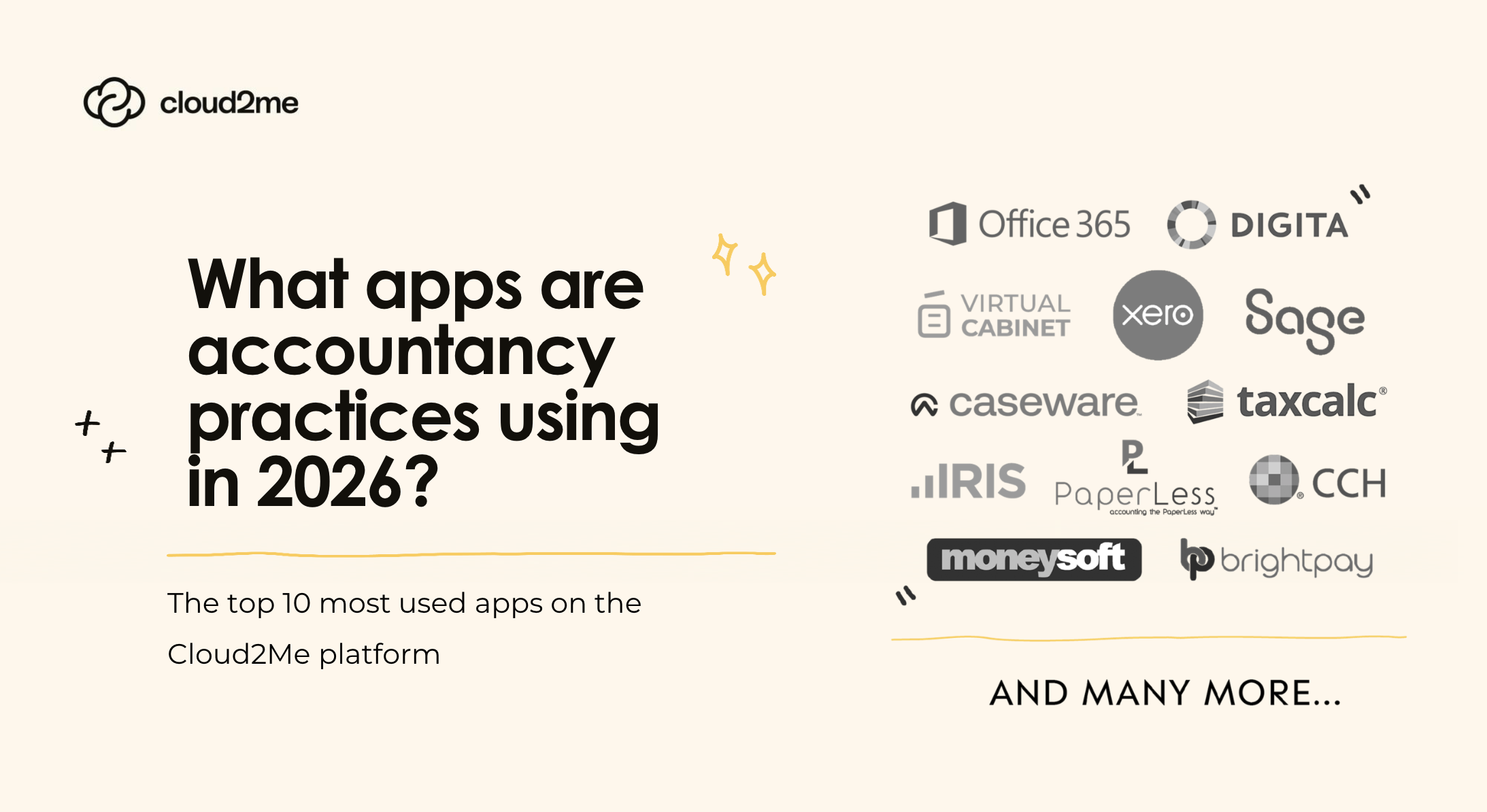
People still ask “what apps are accountants using?” As if there’s one standard setup.
There isn’t!
Most accounting practices now run on a stack: a core piece of accounting software, a few accounting apps that plug the gaps, and a handful of third party tools that keep work moving (and stop the day disappearing into admin). That applies whether you’re supporting small businesses, a bigger client base, or juggling work across time zones.
And yes, AI is part of that stack now.
The “core” platforms haven’t changed much… but how people use them has
Most accountants still start out with a cloud based platform like Xero, QuickBooks, Sage, or Zoho Books. They’re the backbone for bookkeeping and reporting, and they’re where most of the financial data lives.
What has changed is the expectation that those systems should do more of the heavy lifting:
- smarter bank feeds
- cleaner transaction matching
- faster reconciliations
- decent reporting without exporting everything to spreadsheets
- a user friendly interface that clients will actually use (or at least not break)
A lot of firms also care less about “features” on paper and more about whether the software makes client communication easier and reduces chasing. If it improves access for clients and improves response times for the practice, it’s usually a win.
And if the tool helps clients send invoices and stay on top of cash flow without needing a weekly reminder? Even better.
Practice management is where firms win or lose time
If you’re in an accounting firm, you know the reality: it’s not the bookkeeping that burns the day — it’s the coordination.
That’s why practice management tools and project management software are so widely used now, even in small teams. Firms want somewhere central for task management, project tracking, and client management. The moment work lives in inboxes and spreadsheets, the wheels start coming off.
This is where tools like Karbon (and similar platforms) have become common in accounting firms, because they’re built around the way accountants actually work: lots of deadlines, lots of small moving parts, and lots of client follow-ups.
At the larger end, especially in professional services firms and bigger accounting practices, CCH Axcess Workflow is still a staple, and CCH Axcess Tax comes up frequently where firms want tighter workflow and tax integration. It’s also where you see more formalised processes around engagement letters, review stages, and signing off work before e filing.
If you’re choosing tools here, the question isn’t “what’s the most powerful tool?” It’s: Does it stop work getting stuck? Does it reduce the back-and-forth? And can the team actually use it without a painful learning curve?
Where AI is actually showing up (and where it’s not)
AI is one of those things that gets overhyped, so let’s keep it grounded.
In 2026, AI is mostly being used for:
- reducing repetitive tasks
- speeding up admin
- flagging things that look “off” in the data
- helping teams get to answers quicker (especially in busy periods)
In real terms, that looks like:
- automated categorisation suggestions
- reminders and nudges that actually run on time (automated reminders)
- tools that summarise activity or highlight anomalies in financial data
- reporting views that surface valuable insights without someone building a bespoke spreadsheet every month
It’s not replacing judgement. It’s reducing the low-value work that blocks judgement.
The best AI use in accounting is boring — and that’s a compliment. It just quietly improves operational efficiency and helps practices streamline workflows without adding complexity.
The tools around the edges that matter more than people admit
If you ask firms what software they use, they’ll list the big platforms first. But in day-to-day practice, the “other” tools are often what keep things running smoothly.
A few that come up constantly:
- client portal tools (or portal features inside existing systems) to reduce email chains and improve client interactions
- document storage tools like Google Drive
- productivity tools like Microsoft Office
- password management (because “we share a spreadsheet of logins” is still, somehow, a thing)
- expense capture and expense tracking apps that clients will actually use
These aren’t glamorous, but they protect sensitive information, reduce admin, and improve the client experience, which matters when firms are trying to stand out in a crowded, competitive landscape.
Billing, time tracking, and the stuff nobody wants to do
Automating billing is one of the quickest wins for most firms, especially those doing ongoing work rather than one-off jobs.
Tools that support automated billing, time tracking, and chasing payments (without a person having to do it manually) genuinely make life easier. They also reduce awkward client conversations because the system handles the nudges. In practice, that can improve client communication, reduce the strain on the team, and keep cash flow steadier.
Some firms hesitate because of the extra cost, but the time saved usually outweighs it — especially once the firm grows beyond a couple of people.
So… what apps should a practice actually choose?
If you’re trying to figure out the right apps, it helps to be honest about what you’re solving for:
- Are you trying to speed up bookkeeping?
- Improve workflow and visibility?
- Reduce admin and chasing?
- Improve reporting so you can offer better advice?
- Tighten compliance and reduce risk?
Different accounting practices will land on different stacks. A two-person firm supporting local small businesses will choose differently to a larger practice with tax complexity, workflow approvals, and formal compliance processes.
And you’ll always have other apps in the mix, the “other tools” that plug the gaps and help the practice run smoothly.
The goal isn’t to have the most software. It’s to have the software that helps the firm work better, keeps clients happy, and doesn’t create a painful learning curve.
Final thought
In 2026, the best accounting tech stacks aren’t necessarily the biggest. They’re the ones where data flows cleanly, tasks don’t get stuck, clients can access what they need, and the team isn’t drowning in admin.